Use your existing InternTrack account and complete the security steps shown.
1. Enter your account details
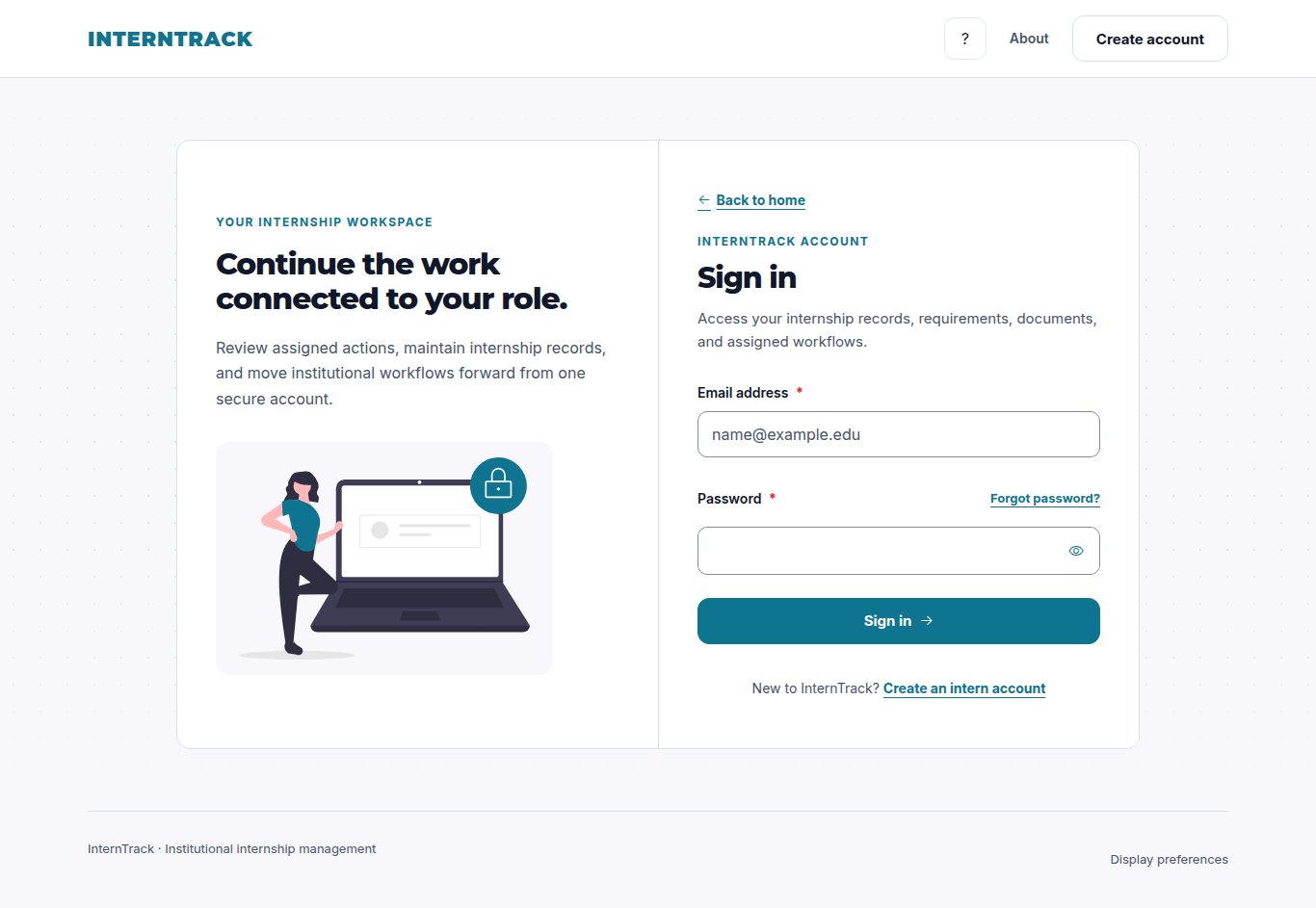
On Sign in, enter your email address and password, then choose Sign in. Use the account activation or verification email first if your account is awaiting verification.
The Sign in panel contains the email, password and account recovery controls. Fields are empty.Verified UI build: help1-login-983c723e6b51
Screenshot unavailable. Follow the text instructions above.
2. Complete the security prompt
If InternTrack asks for an authenticator or recovery code, complete that prompt. A pending security challenge is not a signed-in session. Never share your password, authenticator code or recovery codes.
Screenshot pending verification. Follow the text instructions above.
3. Recover access when needed
Read the account recovery notice. If password recovery is temporarily unavailable, contact the site owner. When recovery is available, use Forgot password? and follow the reset email. An expired link requires a new request. Password reset does not bypass authenticator verification.
Screenshot pending verification. Follow the text instructions above.
1. Read the updated workspace
This workspace changed while you stayed on the page. Read its latest status, notices and available actions. Previous walkthrough steps may no longer apply. A specific walkthrough will resume on your next page visit.
Screenshot pending verification. Follow the text instructions above.